How to Switch SEO Agencies Without Losing Traffic
A new agency doesn't cost you rankings. Changed URLs, leftover noindex tags and lost hosting do. What to copy, check and watch before and after a switch.

By Tyler Phan6 min readLast reviewed
On this page
In July a store owner posted on r/SEO that the boutique agency they'd hired to redesign their site had left a noindex tag in the theme. Search Console showed the "Excluded by noindex" count rising "the day after launch", and impressions fell. The owner only found the tag when an AI tool reviewed the site. The top reply read: "I would say a total critical failure such as a deindexed site they didn't catch is a breach of contract."
Hiring the agency didn't cost that site its traffic. The rebuild did. A new agency can bring the same kind of rebuild with it, so that's the risk to plan around.
What loses traffic in a switch
| Risk | What goes wrong | What Google says |
|---|---|---|
| URLs change | Old addresses return errors or temporary redirects | Use permanent redirects, "such as 301 and 308" |
| Pages vanish | Content on the old agency's account or host goes with it | Watch for "an unusually high number" of Not found errors |
| Test-site blocks go live | A noindex tag or robots.txt block stays on the new site | "Remove any temporary blocks to crawling" |
| Verification lost | You can lose access to the site's Search Console data | Include "your current verification file in your new copy" |
| Old sitemap | The sitemap still lists URLs that now redirect | "Be sure that your sitemaps are all updated with the new URLs" |
| Everything at once | New agency, new design and new host in one week | "Change only one thing at a time" |
The last row is the easiest one to fall into. A new agency may want a new design, and a new design may bring a new host. Google's advice for a site move is to make changes "one after the other, not everything at the same time". If traffic drops after three changes in one week, nobody can tell which one caused it.
Before you give notice: what to copy
The access list comes first: domain, hosting, CMS, Search Console, Analytics. Our post on how to fire your SEO agency covers the order. For traffic, copy these as well:
- Search Console's Performance report, exported, with your top pages by clicks
- A full list of your live URLs, from the sitemap and a crawl
- Every redirect rule the old agency set up, and where it lives
- The Search Console verification method and its file, tag or DNS record
- All content, images and files, if they sit on the agency's account or host
The export gives you a baseline, so make it while you still have access. Google notes that Search Console tables "can show a maximum of 1,000 rows". The URL list is your test sheet for later: after the switch, every URL on it should load, or redirect permanently to its new home.
Ask where the redirects live. Redirects built up over years often sit in a plugin, a server file or a host's control panel. If the old agency's hosting goes, those rules go with it, and every old link that used them stops working. On our own sites the redirects are part of the site's code, so they move wherever the code moves.
If the host changes too
A new host with the same URLs is the easier kind of move. Google's checklist for it is short. Lower your DNS records' TTL "at least a week in advance", so the change spreads faster. Make sure the new copy keeps your Search Console verification file or tag. Remove any noindex or robots.txt blocks you used while building it. Then point the DNS at the new host.
Expect a short dip in crawling. Google says "it's normal to see a temporary drop in Googlebot's crawl rate immediately after the launch, followed by a steady increase over the next few days". Shut down the old hosting only when its logs show no more traffic.
Redirects: permanent, and kept for a year
If URLs change, every old URL needs a permanent redirect to the page that replaces it, not to the homepage. Google treats the two kinds differently. It reads a permanent redirect "as a signal that the redirect target should be canonical", the version it shows in results. With a temporary one (302, 303 or 307), "the indexing pipeline doesn't use the redirect as a signal that the redirect target should be canonical."
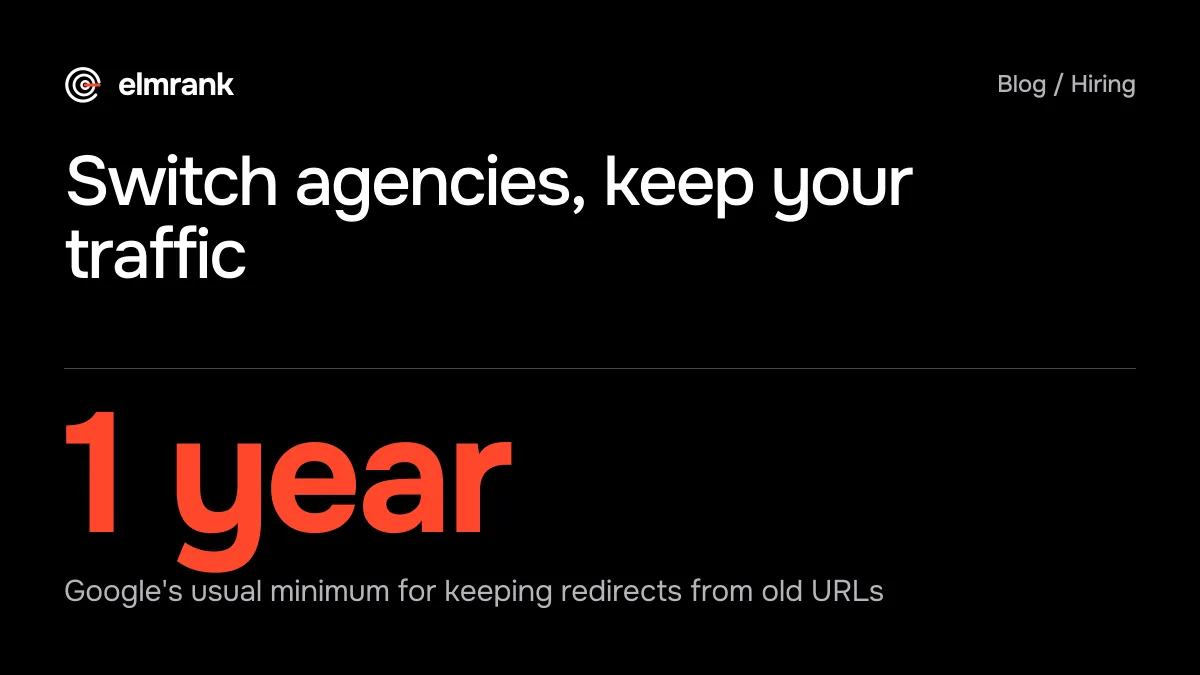
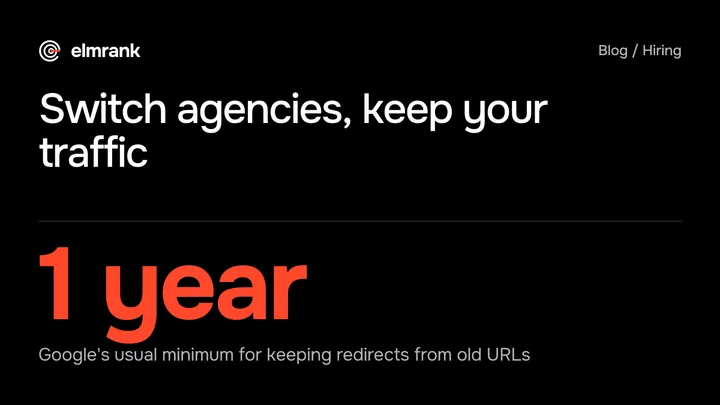
We learned part of this on our card game site in August. We had merged several pages and redirected the old addresses, but some of those old URLs stayed in the sitemap and in the site's "related guides" links. Google's site-move guide lists it as a common mistake: "Be sure that your sitemaps are all updated with the new URLs." Keep the redirects in place too: Google says "generally at least 1 year".
The first four weeks after the switch
Google's guidance for a site move with new URLs is to "expect temporary fluctuation in site ranking", and for medium-sized sites, "it can take a few weeks or more" before Google shows the new URLs instead of the old ones. If the URLs didn't change, Google's hosting guide mentions only a few days of slower crawling.
- 1Day 1Crawl your URL list: every old URL loads or redirects permanently
- 2Week 1Page indexing report: no rise in noindex or Not found pages
- 3Week 2Sitemaps report: the submitted sitemap lists only live URLs
- 4Weeks 3 and 4Clicks by week against the same weeks before the switch
Compare weeks, not days. On our game news site, daily clicks varied by almost three times within eleven days, so a single bad day after a switch tells you very little. A week that's well below the weeks before it, together with a jump in Not found or noindex pages, tells you a lot. Check the top pages from your export one by one: if one of them stopped getting clicks, open it and see what it returns.
How this works on our plan
On our plan the things that usually go missing in a switch are already yours. Our terms say the code and content live in your repo and belong to you, and your domain is registered in your name or account. Search Console stays your property; you share it with us.
If you come to us from another agency, the first month starts with the audit, and then one of two routes, both on our technical SEO service page: we apply the audit fixes to the site you already have, or we set up a new codebase. On the first route your URLs and design stay as they are, so there's nothing to redirect. On the second we'd keep your current URLs wherever the new build allows, give every URL that has to change a permanent redirect written into the code, and split the change the way the table above advises: the new code goes live first, and the move to our hosting is a separate step, not the same week. We haven't moved a client from another agency yet, so read this as how the plan is set up; there's no client switch for us to show you.
From the old agency we need what's on the copy list above, plus the access we ask every client for: Search Console, your domain account, and either your repo or an admin account on your platform. If the old agency holds any of these in its own name, have them moved to yours before you give notice.
Hosting is the exception to "already yours". It's part of the plan, so it stops when the plan ends. If you leave, the plan runs to the end of the month you've paid for, and you move the code to a host of your choice before then. On a codebase we set up, the redirects are in the code, so they travel with it. The plan is $500 for the first month, then $300 a month for up to 30 articles, technical fixes, hosting and a monthly report. There's no minimum contract. Elmrank is the trading name of an individual based in Vietnam, and our founder signs these posts.
Questions
Will changing SEO companies hurt my rankings?
Not by itself. Google ranks your pages, not the company you pay. Rankings drop when the switch changes the site: URLs that move without permanent redirects, pages that disappear, a noindex tag left on after a rebuild, or hosting that gets switched off.
Does changing hosting affect SEO?
If the URLs stay the same, Google's guide describes only a short effect: "a temporary drop in Googlebot's crawl rate immediately after the launch, followed by a steady increase over the next few days". Keep your Search Console verification in the new copy of the site and remove any crawl blocks before you point the DNS at it.
How we know this
Written by Tyler Phan. Every source below was read on the date shown; the page was last reviewed on Oct 17, 2026.
- r/SEO, I think my agency accidentally noindexed my whole website (post by u/jokgga, top reply by u/TheSEOVicc), accessed Oct 16, 2026
- Google Search Central, Site moves with URL changes, accessed Oct 16, 2026
- Google Search Central, Redirects and Google Search, accessed Oct 16, 2026
- Google Search Central, Changing your hosting, accessed Oct 16, 2026
- Search Console Help, About Search Console data (table row limit), accessed Oct 16, 2026
- Elmrank, Terms of Service (ownership, hosting, cancelling), accessed Oct 16, 2026
Send us your site.
We reply within 12 hours with what we'd fix first. Then we run it for you, technical SEO and content: $500 for the first month, then $300 a month for up to 30 articles. You don't need any technical knowledge, and you can cancel any time.