Crawled - Currently Not Indexed? What We Found on 3 Sites
Crawled - currently not indexed means Google fetched the page and left it out. What 17 such pages on our sites had in common, and what we'd fix first.

By Tyler Phan6 min readLast reviewed
Part of our guide to technical SEO
On this page
On October 19, Search Console showed two of our own blog posts as "Crawled - currently not indexed." One of them was our post on why a website doesn't show on Google. Both had already appeared in search results on October 14 and 15. We left them alone, and the next morning both were back to "Submitted and indexed." Google hadn't crawled either again since October 16.
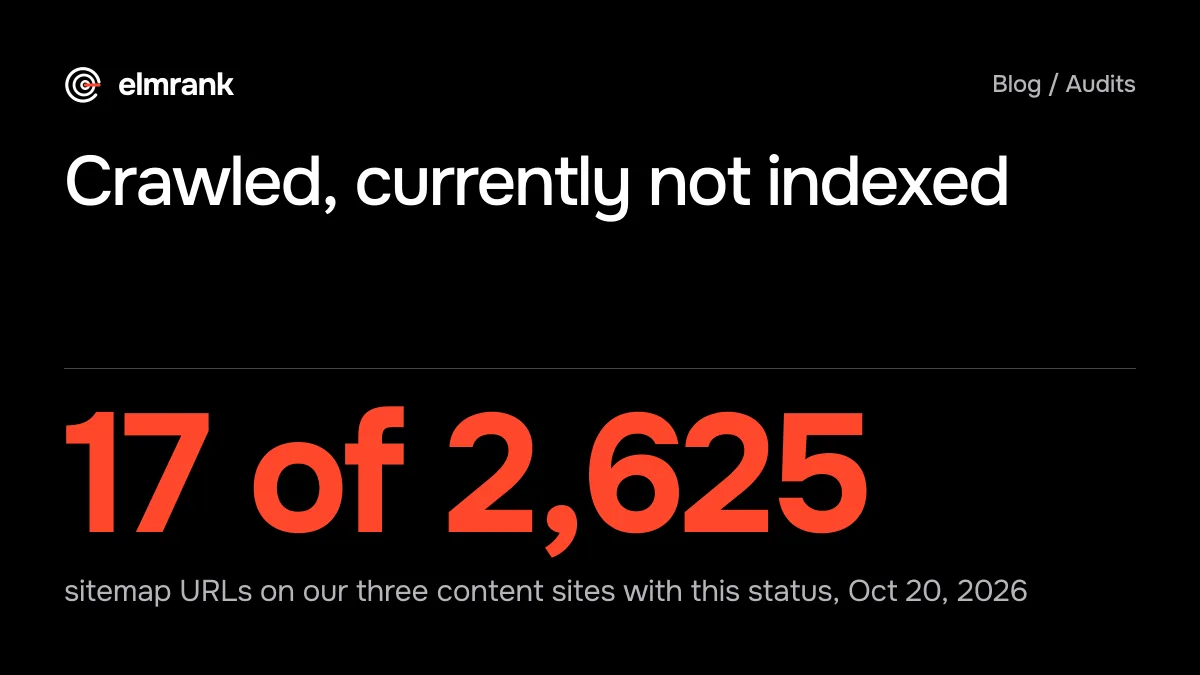
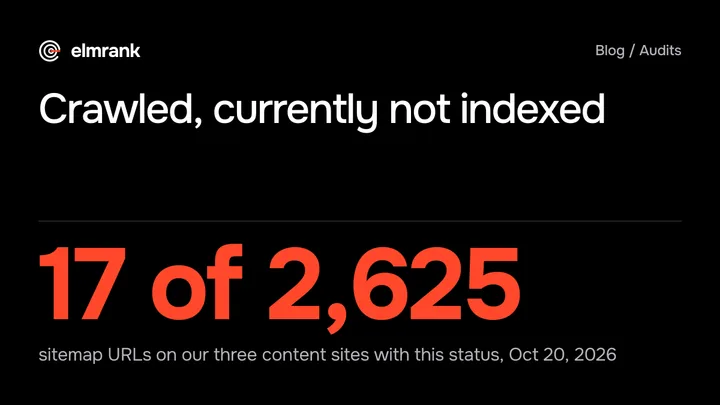
That made us curious how often the status turns up on sites that have been running longer. So on October 20 we put every URL in the sitemaps of the three content sites we run through Search Console's URL Inspection: 2,625 URLs. Seventeen were "Crawled - currently not indexed," and 12 of those 17 were list pages, not articles.
What the status means
The status sits in the Page indexing report under "Why pages aren't indexed," and in URL Inspection for a single page. Google's description is the one sentence above, and it doesn't come with a reason per page. Its guide to how Search works gives the general rule: "Indexing isn't guaranteed; not every page that Google processes will be indexed." The same guide lists "The quality of the content on page is low" first among common indexing issues.
Google's own timing tables point the same way. In the figures Gary Illyes showed at Search Central Live on October 2, as recapped by John Campbell for ROAST, the slowest case for indexing is "Months or never (quality)." We read that as Google telling you the page was reachable and didn't make the cut, at least this time.
Our two posts that came back
| Post | Oct 19 | Oct 20 | Last crawl |
|---|---|---|---|
| Why is my website not showing on Google? | Crawled - currently not indexed | Submitted and indexed | Oct 16 |
| SEO guarantees and refunds | Crawled - currently not indexed | Submitted and indexed | Oct 16 |
Both went live on October 14, our launch day, and both had an impression in Search Console by the next day (Pacific Time). Neither was edited after October 15. Between our two checks Google didn't fetch either page, yet both moved back into the index. All 56 URLs in our sitemap were indexed on October 20.
So on a site a week old, we wouldn't act on this status the day it appears. Google's own wording, "may or may not be indexed in the future," fits what we saw. We'd check again in a few days before rewriting anything.
What 17 pages on three sites had in common
Our three content sites, a manhwa and anime site, a game news site and a card game site, have been running since April and May. We inspected every URL in their sitemaps on October 20 and pulled each page's Search Console impressions since July 2025.
- Sitemap URLs inspected
- 2,625
- 2,466 indexed (93.9%) on Oct 20
- Crawled - currently not indexed
- 17
- 0.6% of the URLs
- List pages among the 17
- 12
- tag, genre and glossary group pages
| Site | Sitemap URLs | Indexed | Crawled, not indexed | Discovered, not indexed |
|---|---|---|---|---|
| Manhwa and anime | 589 | 554 | 6 | 3 |
| Game news | 1,314 | 1,233 | 11 | 3 |
| Card game | 722 | 679 | 0 | 20 |
Twelve of the 17 were pages that mostly list other pages: eight tag or category pages and two glossary group pages on the game news site, and two genre pages on the manhwa site. The other five were full articles of 2,100 to 3,050 words, about as long as the indexed articles we sampled on the same sites. Length doesn't explain it.
Most of the 17 hadn't been crawled in a long time. For 13 of them the last crawl was on September 9 or earlier, and the oldest was April 23. Five had shown up in search at some point, so, as far as impressions show, Google indexed them once and later dropped them. One game news article had 313 impressions before it dropped out. The other 12 never had an impression.
None of the 17 was marked as a duplicate: where URL Inspection named a Google-selected canonical (7 of the 17), it was the page's own URL. As far as Search Console shows, that leaves the first item on Google's list of common indexing issues, the quality of the content. The same list also says "The design of the website might make indexing difficult," and the stored inspection result can't rule that out; the live test below is how we'd check. For the list pages, our reading is simple: a tag page with a few headlines and snippets says little that the articles it links to don't say better. For the five articles we suspect the same comparison, made against other sites' pages on the same topics, though Search Console can't show us that.
The census also turned up a mistake of ours. The sitemaps of our manhwa and card game sites listed 43 URLs that Google found carrying a noindex tag. Google's sitemap guide says to "Include the URLs in your sitemap that you want to see in Google's search results," and a page you've told Google not to index doesn't belong there.
What we'd do, in order
- 1Check what Google seesRe-inspect after a few days, then run Test live URL; ours came back on their own
- 2List pageAdd something of its own, or noindex it and drop it from the sitemap
- 3ArticleImprove it, merge it into a stronger page, or retire it
- 4Then ask onceRequest indexing or validate the fix, and wait
Start with the page's URL Inspection result. If Google shows a different canonical, it's a duplicate problem, which is a different status and a different fix. If the last crawl is recent and the site is new, give it a few days.
Then click Test live URL, and on the result click View tested page. Google's help says that panel shows "a screenshot of the rendered page, the raw HTML returned, the HTTP headers, JavaScript console output, and any page resources loaded." If the main text is missing from the screenshot or the HTML, or the page answers with an error, fix that before touching the content. If the page looks the way your visitors see it, carry on below. Google also notes that "not all indexing issues can be detected by the live test," so a clean result narrows the cause without proving it.
For a list page, decide whether it should be in search at all. If it should, give it an introduction or a summary that no other page has, and link to it from the articles it lists. If it shouldn't, add noindex and take it out of the sitemap, so the sitemap only lists pages you want found.
For an article, compare it with the pages that rank for its main question. If it says the same things in a different order, we'd merge it into a stronger page on the same site and redirect it, or add what the others lack: our own numbers, a first-hand test, a clear answer near the top. Then link to it from two or three related posts.
Only after a real change does asking help. Google says "no need to resubmit this URL for crawling," and that Request Indexing "does not guarantee that the page will appear in the Google Index." For many URLs with the same status, the Page indexing report lets you ask Google to confirm your fixes once "you fix all instances of a specific issue on your site."
- Open Indexing, then Pages, in Search Console and list the URLs under "Crawled - currently not indexed"
- Run URL Inspection on each: note the last crawl date and whether Google picked your canonical
- Click Test live URL, then View tested page: check that the screenshot and HTML hold the page's main text and the response isn't an error
- Sort them into list pages and articles
- For list pages: add something of their own, or noindex them and remove them from the sitemap
- For articles: compare with the pages that rank, then improve, merge or retire
- Check your sitemap for URLs that carry noindex, and remove them
- Request indexing once after a real change, then check back in a week
How we handle indexing for a client
Indexing problems are part of the technical work in the first month of our plan ($500): an SEO and GEO audit, then fixes to crawling, indexing, speed, schema and site structure, made by us in your code. After that, $300 a month covers up to 30 articles, ongoing fixes, hosting and a monthly report with your Search Console clicks and impressions. Our sample report is filled in with one of our own sites. We don't promise that every page gets indexed; the one result our terms promise is about Google clicks. The technical SEO page lists what the fixes cover, and our posts on how long Google takes to index a page and why a website doesn't show on Google cover the other statuses.
How we know this
Written by Tyler Phan. Every source below was read on the date shown; the page was last reviewed on Oct 21, 2026.
- Search Console Help, Page indexing report, accessed Oct 20, 2026
- Google Search Central, In-depth guide to how Google Search works, accessed Oct 20, 2026
- Google Search Central, Build and submit a sitemap, accessed Oct 20, 2026
- Search Console Help, URL Inspection tool (Request indexing), accessed Oct 20, 2026
- ROAST (John Campbell), Google Search Central Live Deep Dive Barcelona, day 3 recap (Gary Illyes' timing tables, Oct 2, 2026), accessed Oct 20, 2026
- Elmrank, URL Inspection of every sitemap URL on the three sites we run and on elmrank.com (Search Console API, Oct 19 and 20, 2026), with each site's page impressions since July 2025, accessed Oct 20, 2026
Send us your site.
We reply within 12 hours with what we'd fix first. Then we run it for you, technical SEO and content: $500 for the first month, then $300 a month for up to 30 articles. You don't need any technical knowledge, and you can cancel any time.