Search Console vs GA4: Why Clicks and Sessions Don't Match
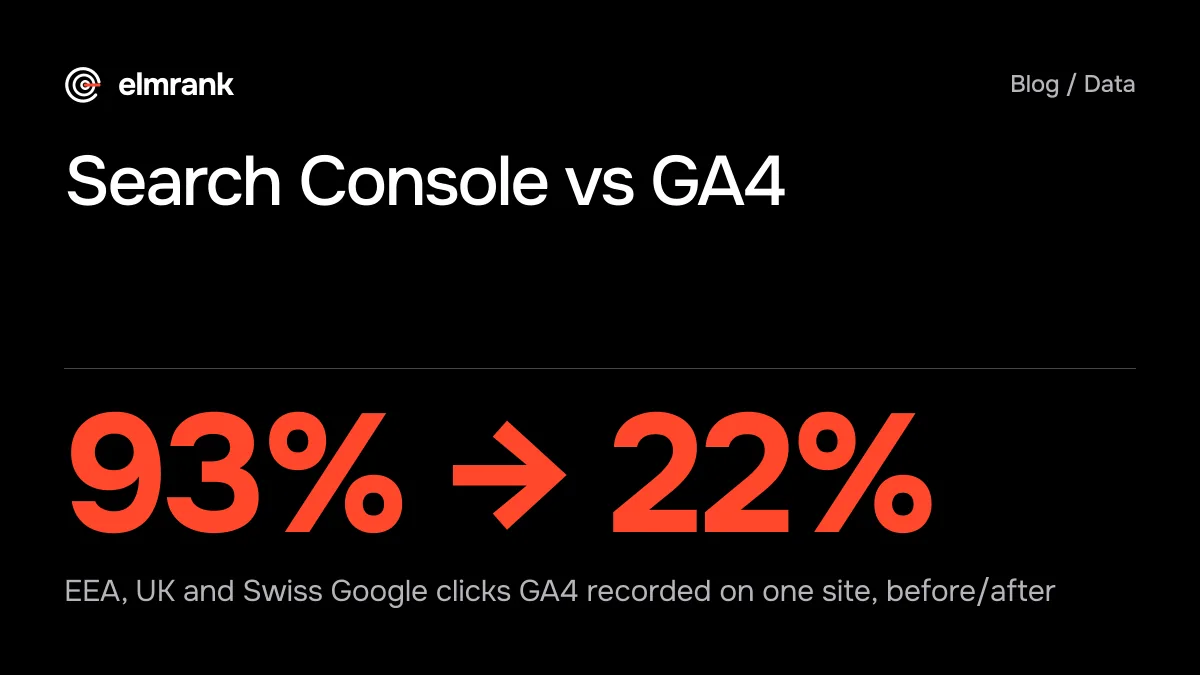
Search Console vs GA4 on our three sites: within 6% until Consent Mode went live, then GA4 recorded 15% to 22% of EEA, UK and Swiss clicks on two.

By Tyler Phan7 min readLast reviewed
Part of our guide to Search Console and GA4
On this page
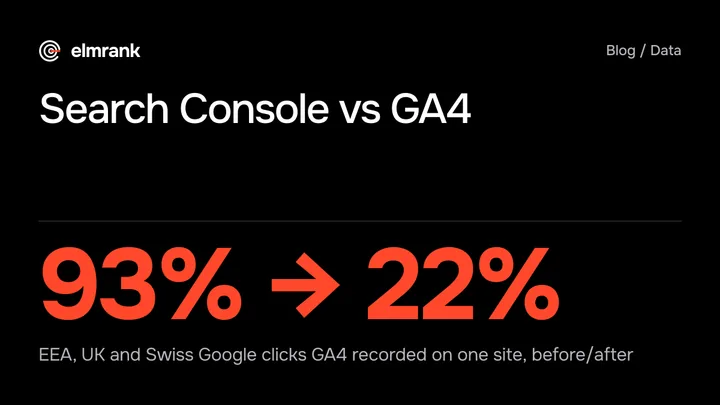
In the four weeks to October 19, 2026, Search Console counted 42,113 clicks from Google web search on the three sites we run, and GA4 (Google Analytics 4) counted 40,641 sessions from google / organic. The totals were 3.5% apart, and they hid a much bigger gap. On October 9 we set up Google Consent Mode on all three sites, and from then on GA4 recorded fewer than a quarter of the Google clicks from Europe's consent countries on two of them.
So this post compares Search Console and Google Analytics twice: before the change, when the gap on each site was the normal kind, and after it. The numbers come from both tools' APIs, pulled on October 22.
What each tool counts
Google's own guide to using the two together puts it plainly: the tools "use different metrics and systems, which means the data won't match completely." It names the two numbers worth comparing. A Search Console click "happens when a person clicks on a link in a Google Search result leading to your website." A GA4 session "is a period of time during which a user interacts with your website or app."
- 1Click on a Google resultSearch Console counts it, whatever happens next
- 2Page starts to loadNo session if the visitor leaves first or the tag is blocked
- 3Consent default appliesDenied in the consent region until the visitor accepts
- 4GA4 records a sessionFiled under google / organic, in your property's time zone
A click is counted on Google's side before your page loads. A session needs your page to load, the Google tag to run, and, where you ask for consent, permission to use analytics cookies. Every step after the click is a place to lose a visit.
Our three sites, before and after Consent Mode
All three sites report to one GA4 property, and we separated them with a hostName filter. We took Search Console web clicks and GA4 sessions with source google and medium organic for each site, September 22 to October 19, split by country into two groups. The consent region is the 32 countries where our sites now ask first: the EU, Iceland, Liechtenstein, Norway, the UK and Switzerland. We left out October 9, the day the change went live.
| Site and period | Consent region: GSC clicks → GA4 sessions | Rest of the world |
|---|---|---|
| Manhwa site, before (Sep 22 to Oct 8) | 1,896 → 1,765 (93%) | 8,673 → 8,562 (99%) |
| Manhwa site, after (Oct 10 to 19) | 1,079 → 241 (22%) | 4,706 → 3,745 (80%) |
| Game news site, before | 4,268 → 4,004 (94%) | 7,761 → 8,745 (113%) |
| Game news site, after | 2,659 → 2,216 (83%) | 5,034 → 5,471 (109%) |
| Card game site, before | 1,010 → 1,057 (105%) | 2,060 → 2,190 (106%) |
| Card game site, after | 440 → 66 (15%) | 1,114 → 1,360 (122%) |
Before October 9, our own code set no consent default on any of the three sites, and GA4 recorded visitors from every country the same way: between 93% and 113% of Search Console's clicks, in both country groups. After it, the consent region fell away on the manhwa and card game sites. Outside it, the game news and card game sites kept recording more sessions than clicks.
The game news site lost much less: 94% to 83%, with the same consent defaults as the other two sites. We haven't tested what makes the difference, so we don't read anything into it.
There's one more problem in the table, and it isn't consent. Outside the consent region, the manhwa site dropped from 99% to 80%. Most of that came on October 14 to 18, when GA4 recorded between 64% and 77% of the site's Google clicks from outside the consent region; across all countries, the drop showed on phones and on computers. On October 19 it was back at 98%. Nothing in the site's analytics code changed between October 12 and 20, and we're still looking for the cause. We'd have missed it if we'd only watched the GA4 total.
Why GA4 lost the consent region visits
Our setup is Consent Mode's advanced kind. The Google tag loads on every page, starts with analytics and ad storage denied in the 32 consent countries, and switches to granted only when a visitor accepts the banner. Outside those countries it starts as granted.
A visitor who hasn't accepted still sends GA4 events, but without cookies. Google's help page on consent modeling explains what that does: "When users don't grant consent, events are not associated with a persistent user identifier. For example, if Analytics collects 10 page view events, it can't observe and report whether that's 10 users or 1 user."
GA4 can estimate those visits with behavioral modeling, but only when a property meets Google's conditions. Consent mode has to be "enabled across all pages of your sites" in the advanced setup, where "Google tags load in all cases, not only if the user consents." The property needs "at least 1,000 events per day with analytics_storage='denied' for at least 7 days" and "at least 1,000 daily users sending events with analytics_storage='granted' for at least 7 of the previous 28 days." Google also says that "if there isn't enough consented traffic to inform the model, then events triggered by users who decline consent aren't reported." Our property is set to the Blended reporting identity, the setting that includes modeled data once a property qualifies. Over the ten days we have, GA4 still recorded only 15% and 22% of those clicks on two sites. On the manhwa site the share jumped to 68% on October 19, the last day, the same day its numbers outside the consent region came back, so one day doesn't tell us whether modeling has started. The same property also collects data from other sites of ours that we haven't checked for consent mode, so we don't know which condition it misses.
If your site serves Europe and asks for consent, expect GA4 to undercount Google visits from there, and check the size of the gap on your own numbers before you trust any GA4 total.
The gaps that are normal
Google's guide says that when the difference is small, "it's not something you need to fix," and lists the usual reasons for a larger one. Three of them show up in our numbers.
- Search Console splits search types its own way: "Search Console breaks down the traffic by web, image, video, news and Discover. These category breakdowns are different in Google Analytics." Our sites also got 1,314 Google Images clicks and 58 Discover clicks in the four weeks, which Search Console's web numbers leave out. Adding the image and Discover clicks from the 17 days before the change moves those days' totals from 98%, 106% and 106% to 96%, 102% and 102%.
- The days start at different times. Search Console's days are Pacific Time, and you "can't customize that." Our GA4 property runs on New York time, three hours ahead. Single days drift apart; over 17 days, it hardly matters.
- GA4 needs its tag to run, and it drops bots. Google Analytics "automatically excludes traffic from known bots," while Search Console "doesn't necessarily filter them out." A missing tag, a blocked script or a visitor who leaves before the page loads is a click with no session.
Google also names attribution and canonical URLs: GA4 reports any URL with the tag on it, while Search Console reports only the canonical URL Google picked. Those matter more for comparing pages than totals.
How to compare the two without fooling yourself
- In GA4, filter on session source google and medium organic, not the Organic Search channel, which also includes Bing, DuckDuckGo and other engines
- Use whole days, and leave out the last two or three, which Search Console may still be filling in
- Compare by country group if you ask for consent anywhere: the consent region and the rest of the world separately
- Compare by device too, so a break on one kind of device doesn't hide in the total
- Put the daily ratio of GA4 sessions to Search Console clicks on a chart. If it steps up or down overnight, look at your tracking before you look at your rankings
- Add Google Images and Discover clicks from Search Console before you call GA4 high
Google's guide gives each tool its job: "The source of truth for Search performance will always be Search Console, while the source of truth for behavior inside your site will be Google Analytics." Use GA4 to see what Google visitors did on your site, and Search Console to count them.
What goes in our reports
The clicks and impressions in our monthly report come from Search Console, and our terms say so: "what we published, what we fixed, and your Search Console clicks and impressions." Our consent change didn't touch Search Console's count, and it cut GA4's. You can see the format in our sample report, read what a monthly SEO report should include, see what a good CTR in Search Console looks like on our sites, and see how GA4 labels AI visits in our post on tracking ChatGPT traffic.
The technical SEO service page lists what the first month covers. The plan is $500 for the first month and $300 a month after. To see what we'd fix first on your site, send it to us: the list is free, and we reply within 12 hours.
How we know this
Written by Tyler Phan. Every source below was read on the date shown; the page was last reviewed on Oct 24, 2026.
- Google Search Central, Using Search Console and Google Analytics data for SEO, accessed Oct 22, 2026
- Analytics Help, [GA4] Behavioral modeling for consent mode, accessed Oct 22, 2026
- Elmrank, Search Console (web, image and Discover clicks) and GA4 sessions from google / organic for the three sites we run, by day, country and device, September 22 to October 19, 2026, pulled October 22, accessed Oct 22, 2026
- Elmrank, Terms of Service (monthly report), accessed Oct 22, 2026
Send us your site.
We reply within 12 hours with what we'd fix first. Then we run it for you, technical SEO and content: $500 for the first month, then $300 a month for up to 30 articles. You don't need any technical knowledge, and you can cancel any time.