How to Use Google Search Console for SEO, From Our Data
How to use Google Search Console for SEO: the four reports we read on our sites, in order, what each one showed us, and the limits that trip people up.

By Tyler Phan8 min readLast reviewed
On this page
Google Search Console is Google's free tool for seeing how your site does in Google Search: which searches show your pages, how often people click, and which pages Google has indexed. We use it on four sites: the three content sites we run, live since April and May 2026, and elmrank.com, live since October 14. This guide is the order we read it in, with what each report showed us on those sites, and the places where its numbers mislead if you take them at face value.
Set up the property
Search Console offers two kinds of website property. A URL-prefix property covers one address, such as https://www.example.com/, and nothing on http:// or another subdomain. A domain property covers every subdomain and protocol, and Google's help says it "requires you to verify ownership using DNS record verification." We use domain properties on all four sites, so www and non-www, and any subdomain we add later, land in one place.
Then submit the sitemap under Sitemaps. Google says pages can be found without it, but submitting one "might speed up your site's discovery." On elmrank.com we submitted the sitemap on October 14, the day the first 25 posts went live, and Googlebot fetched 22 of them within 3.1 to 7.5 hours; we walk through those first days in how long it takes Google to index a page.
Google's own advice on how often to look is modest: "There is no need to sign in to the tool every day." Search Console emails you when it finds a new issue, and Google suggests checking "around once every month, or when you make changes to the site's content." We look more often in a new site's first weeks and in the days after a change we made.
Read indexing first
If a page isn't in Google's index, nothing else in Search Console applies to it, so we start with the Page indexing report and URL Inspection.
Don't expect every URL to be indexed. Google's help says "You should not expect all URLs on your site to be indexed, only the canonical pages." What you want is for the pages you care about to be indexed and for the excluded ones to be excluded on purpose. On October 20 we put all 2,625 URLs in the sitemaps of our three content sites through URL Inspection. Seventeen were "Crawled - currently not indexed," and 12 of those were tag, genre or glossary list pages, not articles; the rest of that run is in crawled, currently not indexed. A second run that afternoon found 26 "Discovered - currently not indexed" pages, mostly new or with no linking page Google knew of, covered in discovered, currently not indexed.
URL Inspection answers for one page. "URL is on Google" means the page is eligible to appear, and Google is careful to add that it "doesn't actually guarantee that your page will appear in Search results." The same screen shows the last crawl date and lets you request indexing for a page you just changed. On our three sites a typical page was crawled again every 1.8 to 4 days, as how often Google crawls a site shows, so a page you edited this morning may show last week's version for a while.
Then the Performance report
The Performance report is where the traffic is. It has four numbers: clicks, impressions, click-through rate (CTR, clicks divided by impressions) and average position. Each is easy to misread on its own.
| Number | Our three sites, Sep 22 to Oct 19, 2026 | What to watch |
|---|---|---|
| CTR | 2.2%, 1.6% and 2.1% | Depends on position and query type; our position 1 got 3.4%, below positions 2 and 3 |
| Average position | 6.3, 7.6 and 7.4 | A site average moves when the mix of queries changes |
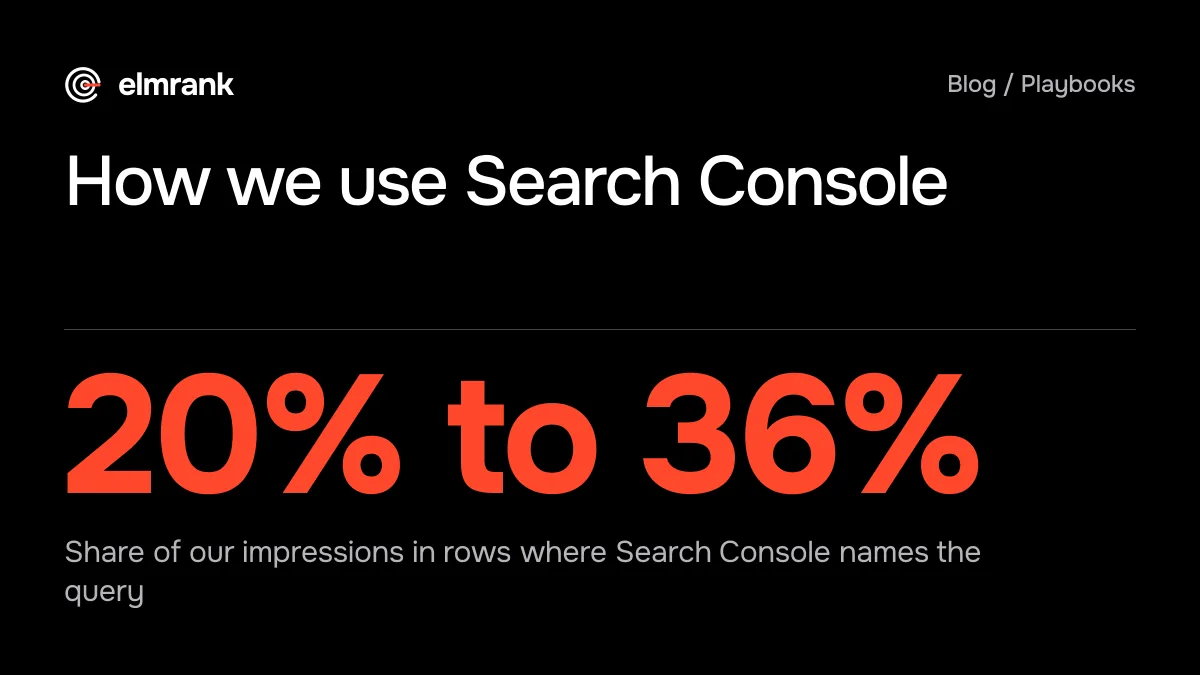
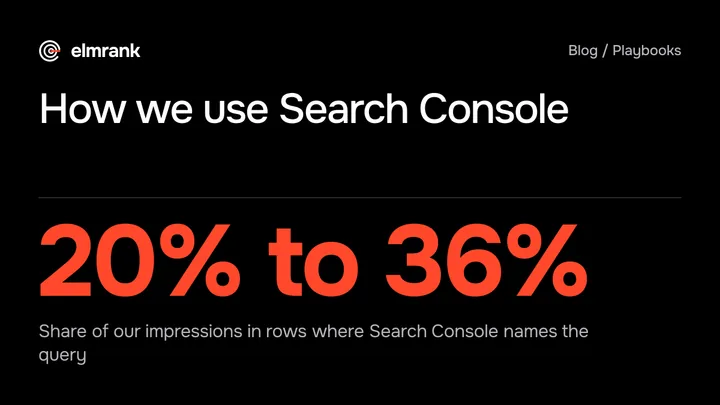
| Named queries | 20% to 36% of impressions | The query table leaves the rest out |
CTR depends on where you sit and what else Google shows. On our sites, results at positions 2 and 3 got 5.5% and 5.9% of their impressions as clicks, and position 10 got 0.4%; the full table is in what a good CTR is in Search Console. Average position in the chart is, in Google's words, "the average position of the topmost result from your entire site": the best spot you held in each search, averaged over impressions. In 42 week-on-week changes on our sites, it moved the same way as clicks 26 times and the other way 16 times, so we read it per query or per page, never as a site-wide score; average position in Search Console has the details.
The biggest trap is in the query table. Search Console leaves out what Google calls anonymized queries, searches made by too few people, from the table but keeps them in the chart totals. On our three sites, rows with a named query held only 20% to 36% of impressions. Add to that a table limit: Google's help says the tables "can show a maximum of 1,000 rows." On a site with thousands of queries, the table shows a slice, and the slice isn't a fair sample.
Two more rules from Google's help on Search Console data: collected data "should be available in 2-3 days," and the report "tracks daily data according to local time in California." So compare whole days, leave out the last two or three, and don't expect the dates to line up with tools set to your own time zone.
How we filter it depends on the question:
- Did a page we changed do better? Filter by that page, set Compare to the same number of days before and after the change, and read the Queries tab.
- Did the site drop? Clicks with impressions or clicks alone, the whole site or one group of pages, and the date it started. Website traffic dropped suddenly has the 30-minute version.
- Do two of our pages compete? Filter by one query and open the Pages tab. On our sites, 19% to 27% of the queries Search Console names brought up two or more of our pages. Among those with 10 or more clicks, one page usually took nearly all of them: 219 of 254 sent at least 90% of their clicks to one page. Keyword cannibalization shows when the rest are worth acting on.
- 1IndexingPage indexing report, URL Inspection for one page
- 2PerformanceFilter by page or query, compare equal date ranges
- 3Sitemaps and crawlSitemap read without errors, Crawl Stats steady
- 4APIRows beyond 1,000, daily pulls, URL Inspection in bulk
Sitemaps, Crawl Stats and the new-site view
The Sitemaps report tells you whether Google read the file and how many URLs it found. It doesn't tell you they were indexed; for that, filter the Page indexing report by the sitemap. Crawl Stats, under Settings, shows "statistics about Google's crawling history on your website": requests per day, download size, response time and host status, for the whole site. Google's help notes that "This report is available only for root-level properties," which a domain property is. That's where to look when new pages stop getting indexed.
On a new site, Search Console looks broken for a while, and it isn't. On elmrank.com's first day, the Performance report showed 4 impressions at an average position of 30.2. The next day it showed 170 impressions across 27 pages at 70.5, because Google had started trying far more of our pages for far more searches, most of them deep in the results. Clicks stayed near zero: three in the first five days, one each on three posts sitting around position 60. For a new site we read the first weeks in this order: pages indexed, then pages with impressions, then position, and clicks last; how to tell if your SEO company is working uses the same order as a check on an agency.
When the reports run out, use the API
The Search Console API returns the same data without the 1,000-row cut, up to 25,000 rows per request, and that's how we pulled most of the numbers in this guide: one row per day, query and device for the three sites. URL Inspection has an API too, with a per-site quota of "2000 QPD 600 QPM," which is 2,000 inspections a day for one property. That covers one pass a day over a site with fewer than 2,000 URLs. Our largest site has about 1,300 in its sitemap. On October 20, after a morning run over all of them, we kept the afternoon run to 557, the pages outside its blog plus the newer posts, to stay inside what we took to be the day's quota (1,314 that morning plus 557 is still under 2,000). Google's limits page doesn't say when that day starts.
You don't need the API for a small site. You need it when the table cuts off, when you want the same report every month without clicking through it, or when you want to join Search Console with something else, such as your server log or your analytics.
Search Console and GA4 won't match
Search Console counts clicks on Google results. GA4 counts the sessions its tag records on your pages, which needs the page to load and, where you ask for consent, the visitor's permission. In the four weeks to October 19 our three sites had 42,113 clicks from Google web search and 40,641 GA4 sessions from google / organic, 3.5% apart. That total hid a much bigger gap: after we set analytics consent to "denied" by default for visitors from the EEA, the UK and Switzerland on October 9, GA4 recorded only 22%, 83% and 15% of the Google clicks from those countries on the three sites. We use Search Console for how many people came from Google and GA4 for what they did next, as Search Console vs GA4 explains.
Where Search Console sits in our work
Our monthly report starts from the client's own Search Console: clicks and impressions against a stated period, what we changed and when, and what moved. The sample report shows one month of it for the card game site, and what a monthly SEO report should include explains the sections. Pages missing from the index are part of our technical SEO service, and we make those fixes in your code. The plan is $500 for the first month and $300 a month after. To see what we'd fix first on your site, send it to us: the list is free, and we reply within 12 hours.
Every guide in this series
- Average Position in Search Console, Explained With Our Data
Average position in Search Console is your site's topmost spot per search, averaged over impressions. On our three sites: 6.3 to 7.6. How we read it.
- What Is a Good CTR in Search Console? Our Data by Position
What is a good CTR in Google Search Console? Our three sites: 1.6% to 2.2% overall, and position 1 at 3.4%, below positions 2 and 3. How to judge yours.
- Search Console vs GA4: Why Clicks and Sessions Don't Match
Search Console vs GA4 on our three sites: within 6% until Consent Mode went live, then GA4 recorded 15% to 22% of EEA, UK and Swiss clicks on two.
- Website Traffic Dropped Suddenly? A 30-Minute Diagnosis
Work out why Google traffic dropped in 30 minutes with Search Console: the checks in order, what each pattern means, and two real drops on sites we run.
- What an SEO Monthly Report Should Include (Real Example)
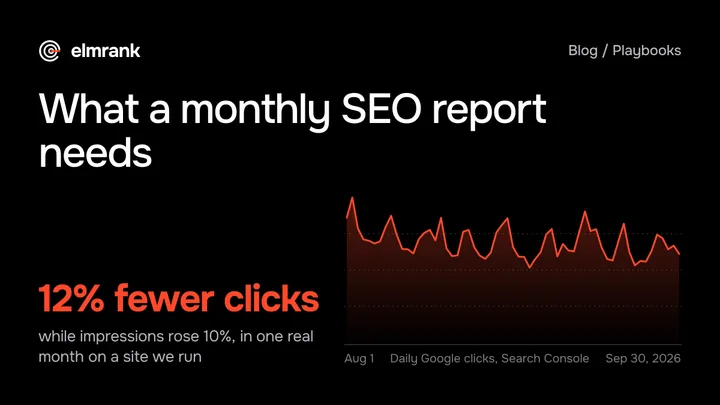
Five sections every monthly SEO report needs, shown on a real month from a site we run: clicks down 12% while impressions rose 10%, and how to read it.
Questions
How often should I check Google Search Console?
Google says there's no need to sign in every day, because Search Console emails you when it finds new issues, and suggests a look "around once every month, or when you make changes to the site's content." We look more often in two situations: in a new site's first weeks, when pages are still being indexed, and in the days after a change we made, such as a batch of new pages or a redirect.
Is Google Search Console free?
Yes. Google calls it "a free service" and says you don't have to sign up for it to appear in Google Search; it only shows you data about your site. You need to prove you own the site, which for a domain property means adding a DNS record.
How long does Search Console take to show data for a new site?
Google says collected data "should be available in 2-3 days." On elmrank.com, launched on October 14, 2026, the Performance report showed 4 impressions for that first day, and the next day 170 impressions across 27 pages, all far down the results. Indexing data comes from URL Inspection sooner: the morning after launch it showed 22 of our first 25 posts as on Google.
How we know this
Written by Tyler Phan. Every source below was read on the date shown; the page was last reviewed on Oct 27, 2026.
- Google Search Central, Get started with Search Console, accessed Oct 22, 2026
- Search Console Help, About Search Console, accessed Oct 22, 2026
- Search Console Help, Add a website or platform property to Search Console, accessed Oct 22, 2026
- Search Console Help, About Search Console data, accessed Oct 22, 2026
- Search Console Help, Page indexing report, accessed Oct 22, 2026
- Search Console Help, Performance report (Search results): Overview and basic setup, accessed Oct 22, 2026
- Search Console Help, URL Inspection tool, accessed Oct 22, 2026
- Search Console Help, Sitemaps report, accessed Oct 22, 2026
- Search Console Help, Crawl Stats report, accessed Oct 22, 2026
- Google for Developers, Search Console API usage limits, accessed Oct 22, 2026
- Google for Developers, Search Console API: Search Analytics query, accessed Oct 22, 2026
- Elmrank, Search Console data, URL Inspection and server logs for the three sites we run and for elmrank.com, as published in the posts this guide links, accessed Oct 22, 2026
Send us your site.
We reply within 12 hours with what we'd fix first. Then we run it for you, technical SEO and content: $500 for the first month, then $300 a month for up to 30 articles. You don't need any technical knowledge, and you can cancel any time.